
Foundations that make sense
Understand the 4×4 pad layout, drum voices, timing, counting, and the visual tab system before the patterns become complicated.
Two tactile, screen-light books that help producers and beatmakers build timing, coordination, musical vocabulary, and the confidence to perform rhythms with their own hands.
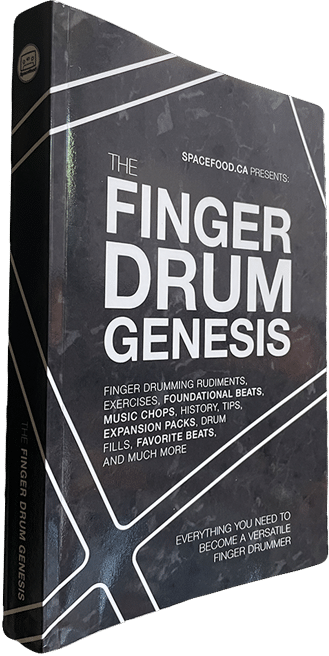
Genesis is the essential prequel: a structured guide to what the pads represent, how rhythm is organized, how your hands can move efficiently, and how to turn foundational patterns into real music.
It is welcoming enough for a true beginner, but deep enough for an experienced producer who wants to correct weak technique, understand more rhythmic styles, or become a more versatile live performer.
Understand the 4×4 pad layout, drum voices, timing, counting, and the visual tab system before the patterns become complicated.
Develop practical coordination through rudiments, exercises, fills, and carefully structured rhythm work.
Explore foundational beats from house, hip-hop, dancehall, jungle, rock, salsa, samba, trap, and many more styles.
Practice with online audio examples, downloadable expansions, music chops, song examples, and performance-ready material.
Take a guided look through the beats, rudiments, music chops, practice resources, and free downloads that make Genesis a complete foundation-first learning system.
Know what each sound does and how the book’s visual language works.
Use rudiments, genre foundations, and repetition to build reliable coordination.
Move into hundreds of musical patterns, fills, variations, and new rhythmic ideas.
Meet the instrument roles behind the visual language in Finger Drum Genesis. Tap every pad to hear the IDM kit, then preview three real practice grooves and watch the pattern come alive under your hands.
Tap a pad to hear its role in the kit.
Choose a four-bar groove, then follow the pads as they light up in real time.
This is the Standard 4×4 layout used throughout Finger Drum Genesis. Tap freely—there is no wrong way to explore it.
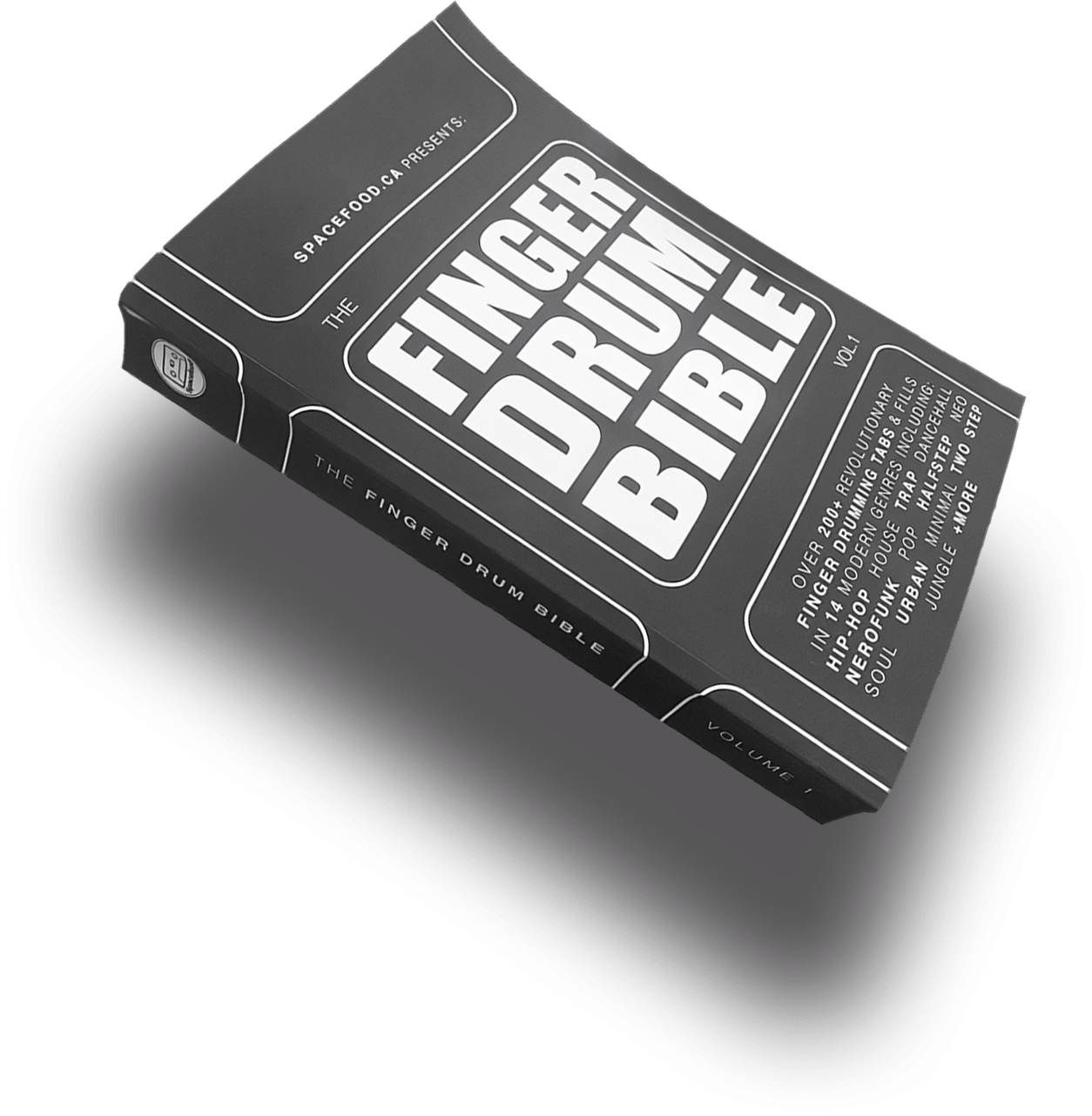
The Bible is the big pattern vault: more than 200 modern beats and 24 flexible fills translated into visual tabs for a 4×4 pad grid. Open it when you want something new to practise, perform, flip, combine, or turn into your own groove.
Work through a style from beginning to end, learn one rhythm each day, or use it like a reference whenever your drum programming feels predictable. You can study away from the computer and use the audio companion whenever you want to hear the intended feel.
A deep reference library of modern grooves arranged as clear finger-drumming tabs.
Move through hip-hop, house, dancehall, jungle, pop, trap, neo soul, neurofunk, two step, halfstep, and more.
Learn transitions you can apply across the book instead of memorizing one fill for one beat.
Hear the patterns online and search the companion by beat name, page number, genre, or track code.
Learn how Aaron reads the Finger Drum Bible’s 4×4 visual tabs, maps the sounds, and turns the printed patterns into playable finger-drumming performances.
You do not need a special Spacefood instrument, a subscription, or a particular DAW. The shared 4×4 layout makes the method portable.
MPC, Maschine, Ableton Push, Launchpad, SP-404MKII, or another 16-pad controller or sampler.
Load a kit or assign kick, snare, hats, percussion, and other voices to the book’s consistent pad layout.
Headphones or speakers for your instrument—and a phone or browser whenever you want the online audio companions.
The books use a visual tab approach, so you do not need to read sheet music or commit to one DAW.
Best when you want a guided foundation, better hand control, broad stylistic fluency, and a clear practice path.
Best when you want a large, screen-light library of grooves and fills to learn, perform, and transform.
Still unsure which book fits your setup or experience? Open the contact form and ask Aaron directly.
Ask Aaron a questionStart with Finger Drum Genesis if you are new, if your technique feels inconsistent, or if you want the clearest learning path. Move into Finger Drum Bible when you are ready for a much larger pattern library. Experienced pad players can also use either book independently.
No. The system is built around a 4×4 pad layout rather than one piece of software. Ableton Push works beautifully, but so do MPCs, Maschine, Launchpad, SP-404MKII, and other controllers or samplers that let you assign sounds to 16 pads.
No. Aaron’s visual finger-drumming tabs show what to play on the pad grid. Genesis explains the foundation, while the online companions let you hear the rhythms as you learn them.
Yes. Spacefood has searchable audio companion pages for both books. Finger Drum Bible also links to the Standard Pad Layout sounds and Ableton Drum Rack used with the examples.
Absolutely. Genesis is foundation-first, not beginner-only. Its rudiments, alternate layouts, music chops, genre studies, and coordination work are useful for tightening technique and filling gaps.
Begin with Finger Drum Genesis, then keep the Finger Drum Bible beside your setup as a long-term rhythm library.