
Free video course · 9 lessons
Build a dependable foundation in Ableton Live.
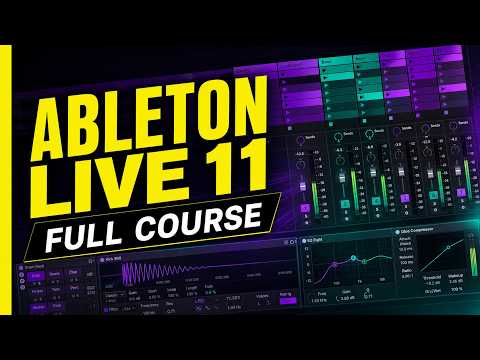
Work through the essentials in a useful order—from navigating Live and protecting your project files to arrangement, recording, automation, MIDI, and creative rhythm workflows. Every lesson is free, practical, and designed to be followed inside Ableton.
 Ableton Live Bootcamp
The Basics: Ableton Live Foundations
Build a clean foundation in Ableton Live, including tracks, clips, Session and Arrangement View, MIDI editing, navigation, and the shortcuts that keep ideas moving.
Watch the lesson→ Ableton Live Bootcamp
File Management & Music Elements
Organize your Ableton projects, protect your audio files, save useful versions, and build a dependable system for capturing musical ideas.
Watch the lesson→ Ableton Live Bootcamp
Arrangement View
Turn loops and sketches into a developing song by learning how Ableton’s Arrangement View handles structure, timing, editing, and musical momentum.
Watch the lesson→ Ableton Live Bootcamp
Recording Audio
Record clean audio into Ableton Live and understand the routing, monitoring, takes, and workflow decisions that make a session feel effortless.
Watch the lesson→ Ableton Live Bootcamp
Recording MIDI & Automation
Capture performances, edit MIDI with confidence, and use automation to bring movement, expression, and polish to an Ableton Live production.
Watch the lesson→ Ableton Live Bootcamp
Rhythm: Duplicate & Vary
Use repetition without getting repetitive: duplicate rhythmic ideas, introduce purposeful variation, and develop beats into longer musical phrases.
Watch the lesson→ Ableton Live Bootcamp
Rhythm: MIDI & Mangle
Start with downloadable MIDI rhythm material, reshape it inside Ableton Live, and quickly generate fresh beat ideas of your own.
Watch the lesson→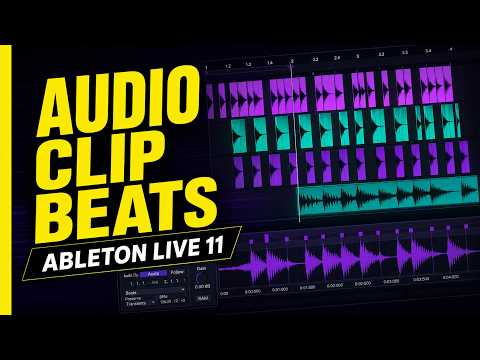 Ableton Live Bootcamp
Rhythm: Building Beats with Audio
Transform audio clips into playable rhythmic material and use slicing, timing, and repetition to create beats that feel less predictable.
Watch the lesson→ Ableton Live Bootcamp
Rhythm: Sample Slicing Randomizer
Slice samples into surprising new patterns and build a repeatable Ableton workflow for generating rhythmic variations from almost any sound.
Watch the lesson→